Open your Panotour and choose Listing kit. Everything on it is ready to copy or print.
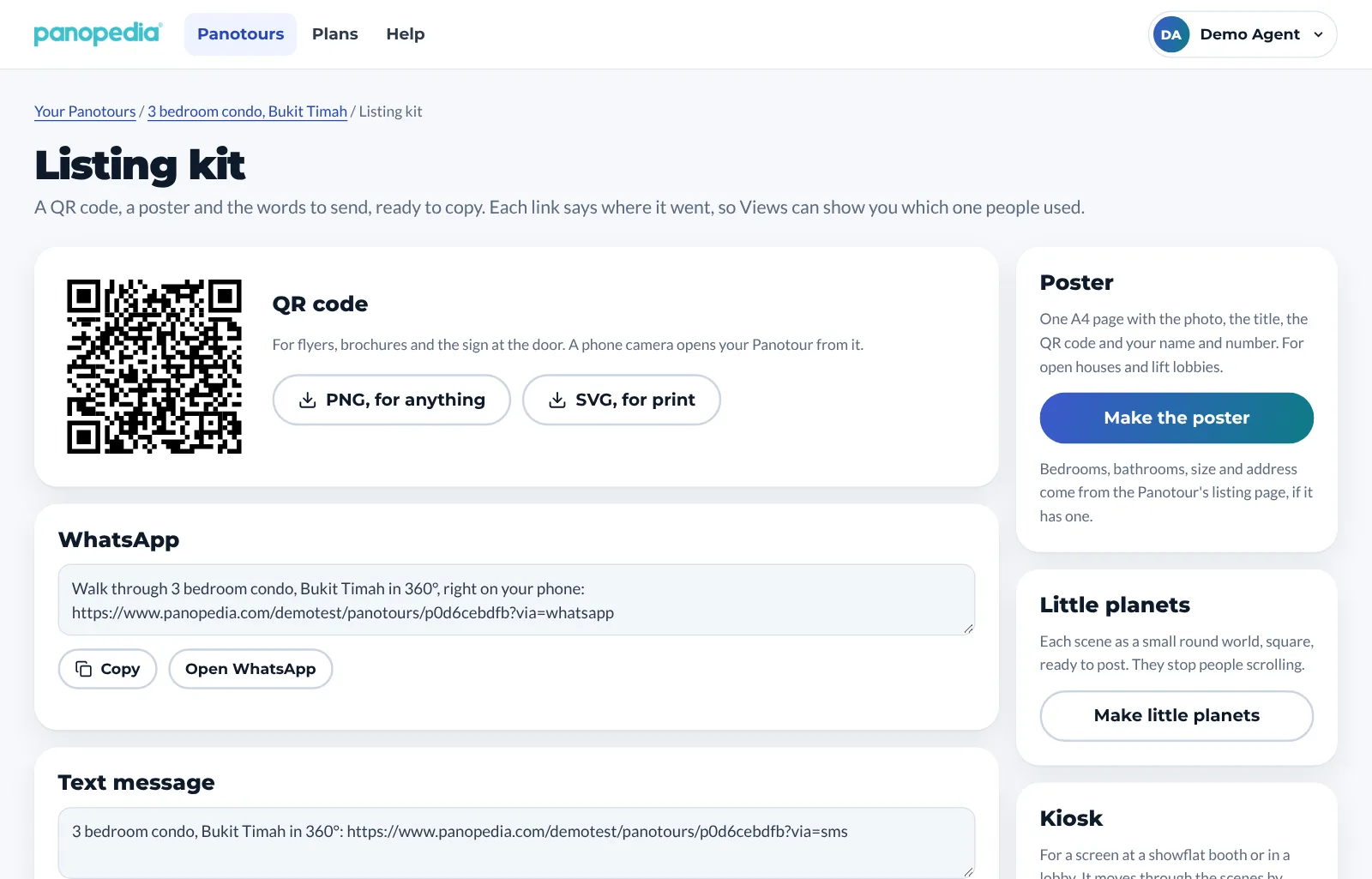
- QR code. Download it as a PNG for anything, or an SVG for print, which stays sharp at any size. Put it on flyers, brochures and the sign at the door. A phone camera opens your Panotour from it.
- Poster. Press Make the poster, then Print or save as PDF. It is one A4 page with the photo, the title, the QR code and your name and number. If the Panotour has a listing page, its bedrooms, bathrooms, size and address are on the poster too.
- WhatsApp, text message and email. The words are written for you. Copy them, or open the app with them already in.
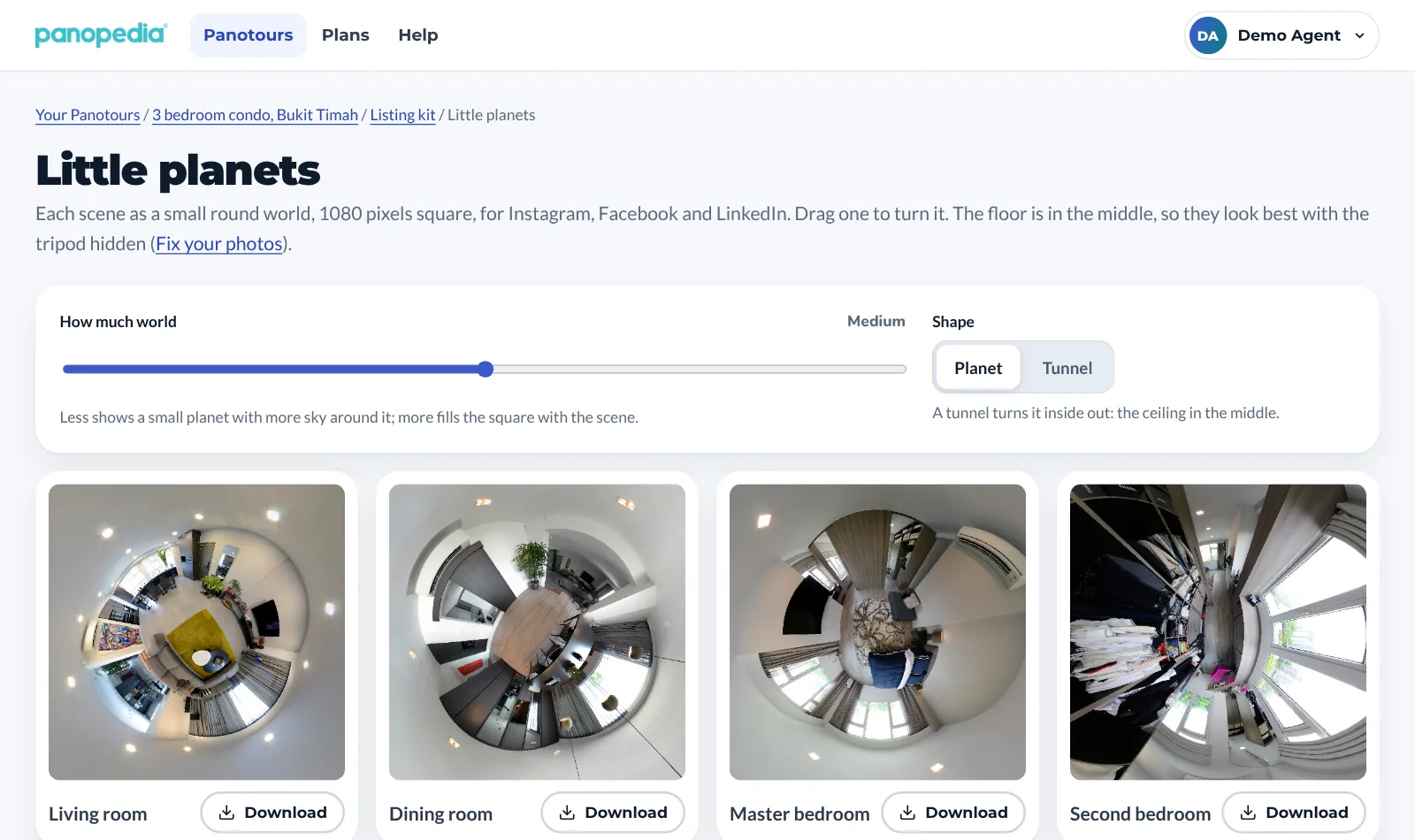
- Little planets. Each scene drawn as a small round world, 1080 pixels square, to post. Choose how much of the scene shows, or turn it inside out as a tunnel, drag a planet to turn it, and press Download. The floor is in the middle, so hide the tripod first.
- Kiosk. A link for a screen at a showflat booth or in a hotel lobby. Open it on the screen and press Full screen. It moves through the scenes by itself. A minute and a half after somebody stops touching it, it goes back to the first scene for the next person. Nothing on it leads away from your Panotour, and Views counts each person who uses it.
- For a property portal. The plain link, for where a portal asks for a virtual tour.
Each link carries a small tag saying where it was sent. Views then shows how many people came from your QR code, from WhatsApp and so on, instead of counting them all as a direct link.
