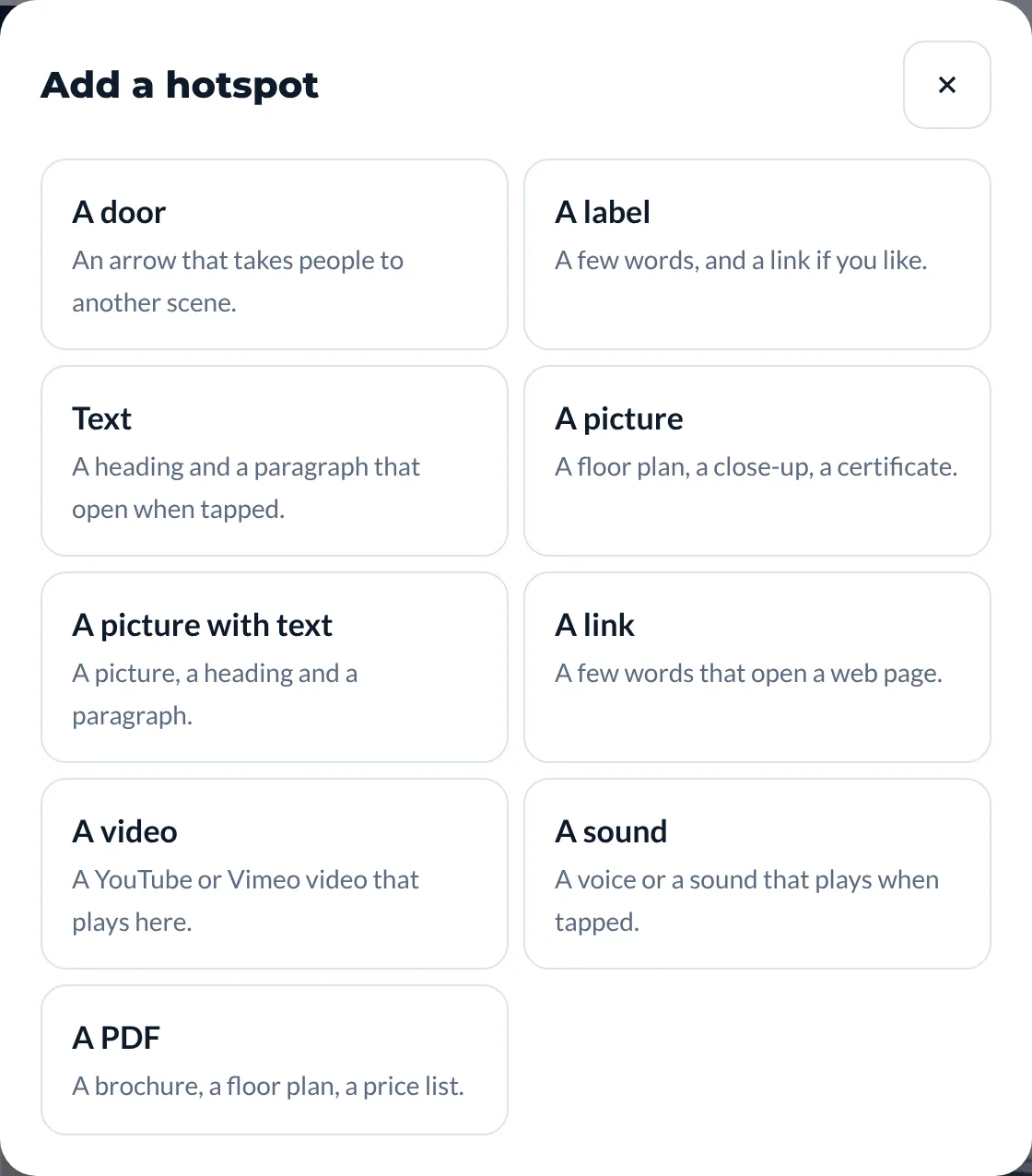
Hotspots do more than lead to other scenes. In Connect, turn the scene until the crosshair is where you want it, press Add a hotspot (or right-click the photo), and choose one of these.
A label
A few words over a small icon, such as "Bosch oven, installed 2025". You can turn the text into a link by adding an address, and set Always showing to Yes so it shows without anyone pointing at it.
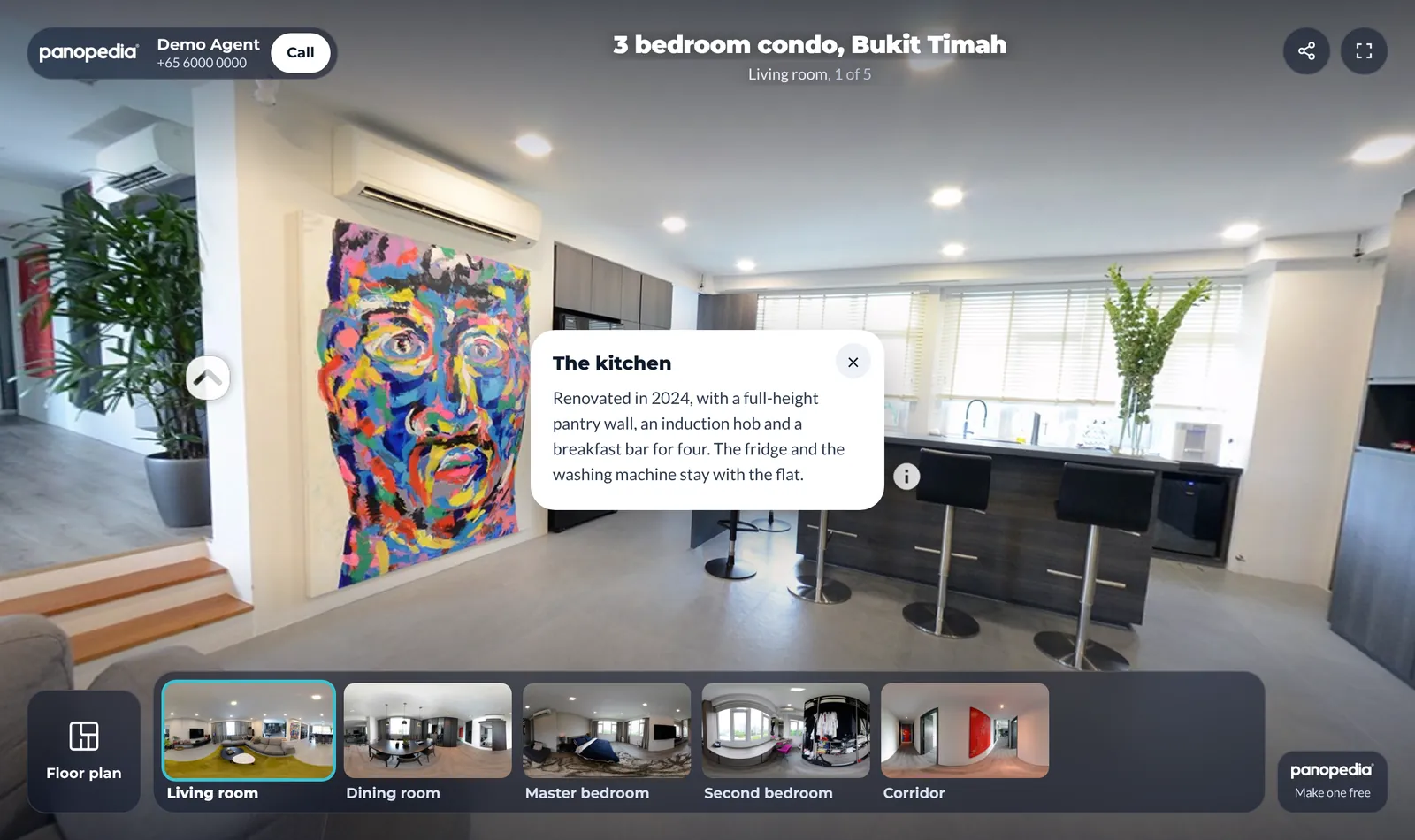
Text
A heading and a paragraph, in a small window that opens when someone taps the icon. Good for the things a buyer asks about: the renovation, the view, what stays with the house.
A picture
A photo that opens over the scene: a close-up of a finish, a floor plan, a certificate. It closes when tapped. The picture can be a JPG, JPEG, PNG, GIF, BMP or TIFF file of up to 19 MB.
A picture with text
A window with a heading, a picture and a paragraph together.
A link
A few words over a link icon that open a web page in a new tab: "Book a viewing", "See the listing", "Our website".
A video
Paste a link from YouTube or Vimeo, the address of the video's own page. Add a heading if you like. When someone taps the icon, the video plays in a window over the scene, and stops when the window closes. Any music on the Panotour waits while it plays.
The video loads only when it is opened, so it does not slow the Panotour down. To use your own video file, put it on YouTube or Vimeo first; an unlisted video works.
A sound
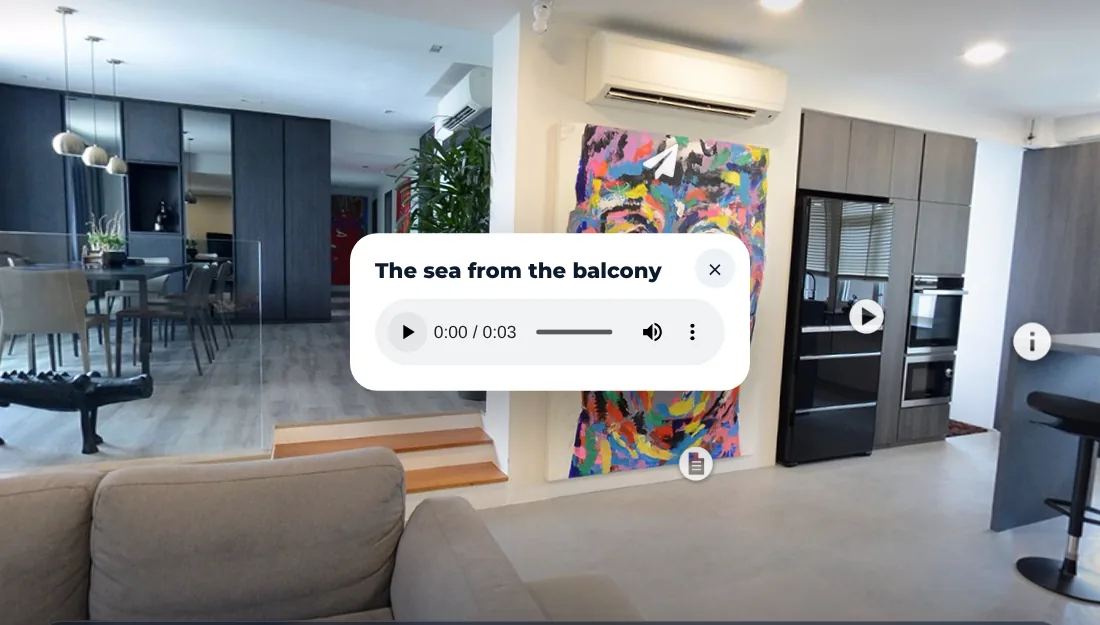
An MP3 or M4A file of up to 10 MB: a short welcome in your own voice, the sea from the balcony, birds in the garden. It plays when someone taps the icon and stops when they close it.
A PDF
A brochure, a floor plan, a price list or a certificate, up to 20 MB. Give it a heading, such as "Brochure". Someone taps the icon, then Open the PDF, and it opens in a new tab, where they can read or save it.
Every window closes when someone taps the scene outside it. To remove a hotspot, click it, hover over its title and press the delete icon.
Tip. A few well-placed hotspots beat many. Put them on what a photo alone cannot say.
