On Your Panotours, press Change several above the list. A box appears on each Panotour.
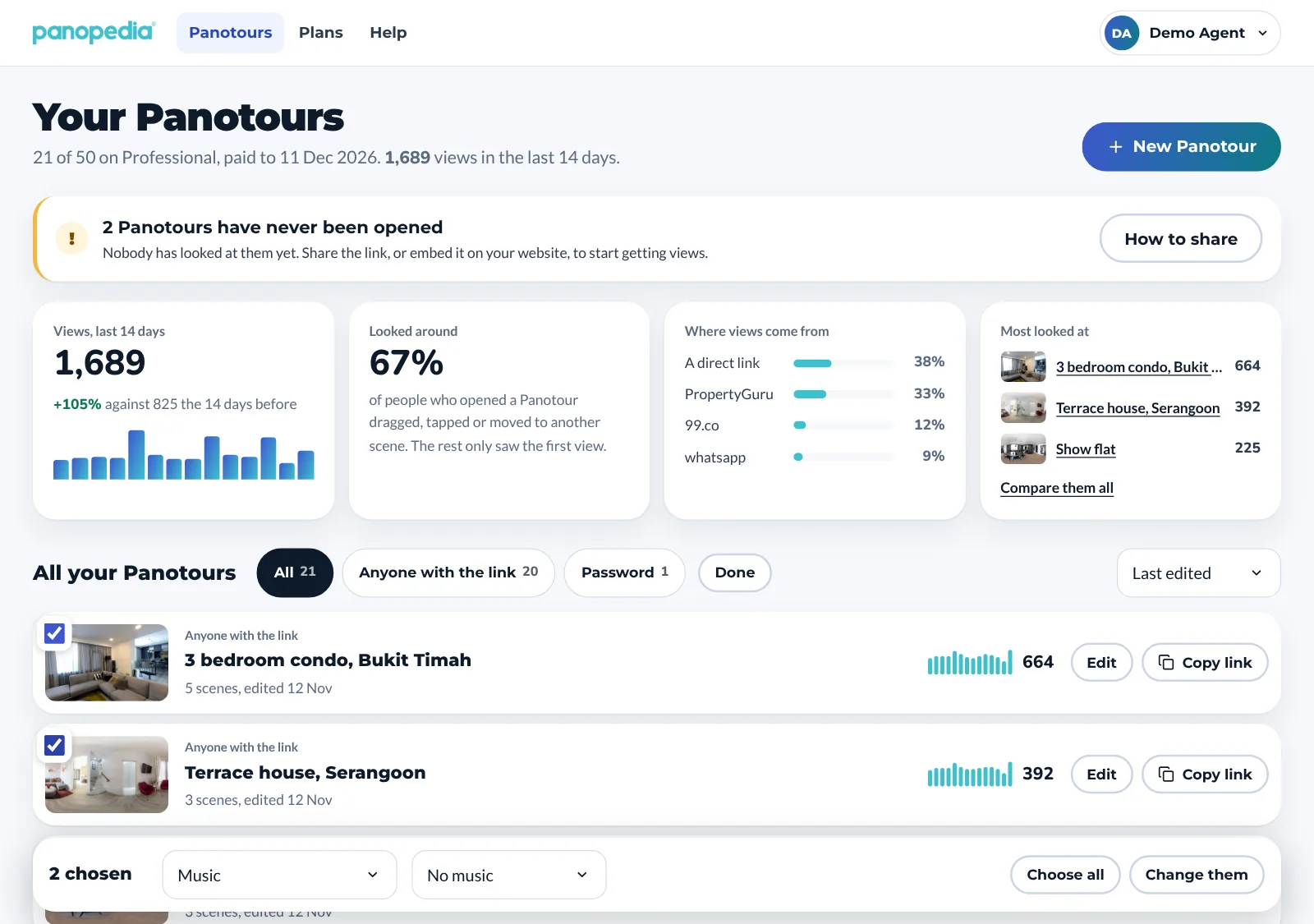
- Tick the ones to change, or press Choose all.
- Choose what to change: who can see them (anyone with the link, or a password you write), the music, the arrows between scenes, whether they turn slowly on their own, messages from visitors, or a whole template.
- Press Change them.
Everything else about each Panotour stays as it was. Press Done to put the boxes away.
Tip. A template is the quickest way to give older Panotours your current music, arrows and button: save one from a Panotour you like, then apply it to the rest.
