Your plan sets how many Panotours you can have at once. A free account has 3. Delete one and you can make another in its place.
Deleting
Open the Panotour from Your Panotours and press Delete this Panotour, at the bottom of the right-hand column. Press it again to be sure. It leaves your list straight away, and its link stops working. Deleted Panotours do not count towards your limit.
Restoring
Deleted Panotours are kept under Deleted Panotours in your account menu, which only appears once there is something in it. Each is kept for 730 days, then deleted for good.
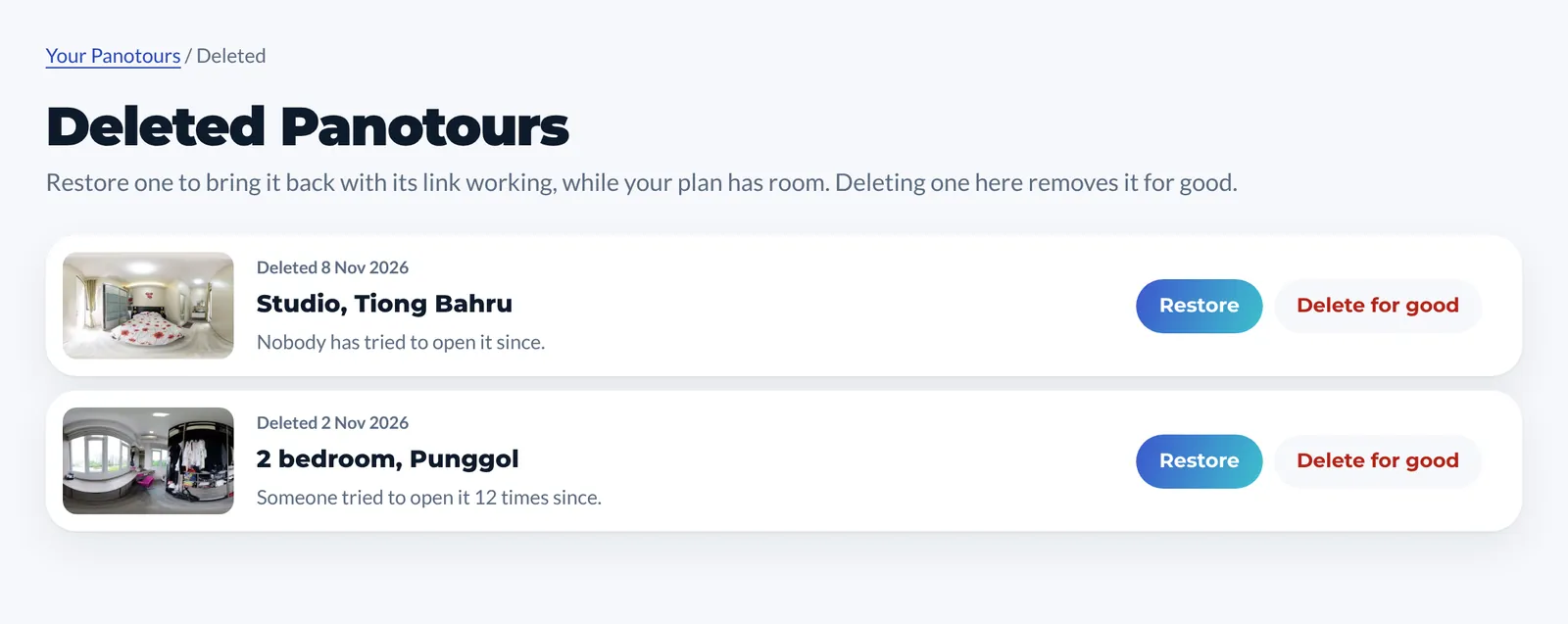
- Restore brings a Panotour back, with its link working again. It needs room under your plan's limit.
- Delete for good takes it off your account. You cannot bring it back yourself after this.
Who still looks
Each deleted Panotour shows how many times someone tried to open it after it was deleted. A link still being clicked is worth knowing about before deleting for good.
