Every scene opens facing one way. Left alone, that is wherever the camera's front happened to point, which is often a wall.
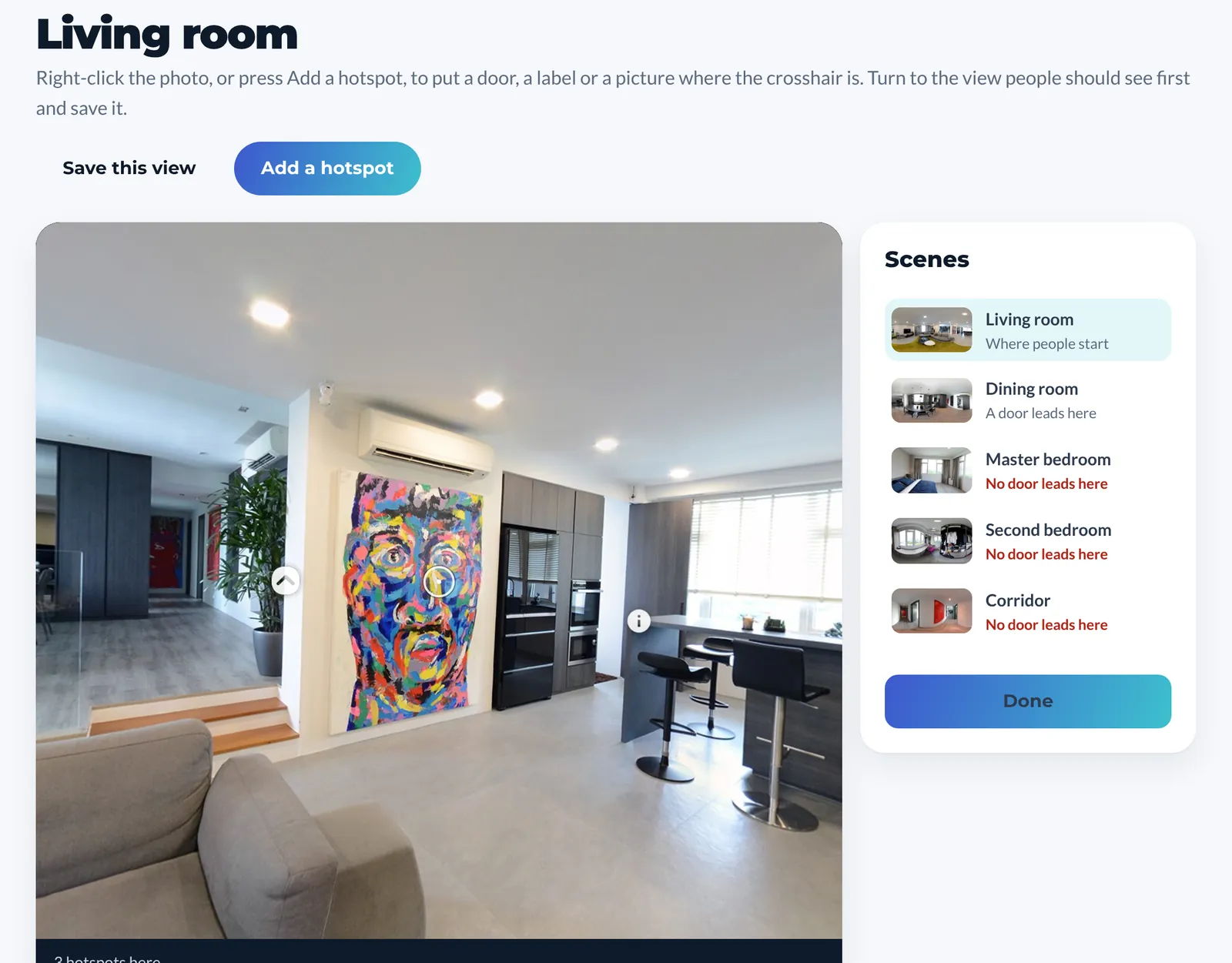
- Open Connect and pick the scene from the list.
- Turn it to the view you want people to see first.
- Zoom with your mouse wheel or trackpad, if the scene looks better a little closer.
- Press Save this view.
This is the view a scene opens with when someone picks it from the scene menu, and the view of your first scene when the Panotour opens. Someone arriving through an arrow sees the view set on that arrow instead (connecting scenes).
Tip. Open each scene on its best side: the window and the light, not the door you just came through.
