Have your 360° photos on your computer first. Each one becomes a scene. Not sure yours will work? See Photos that work.
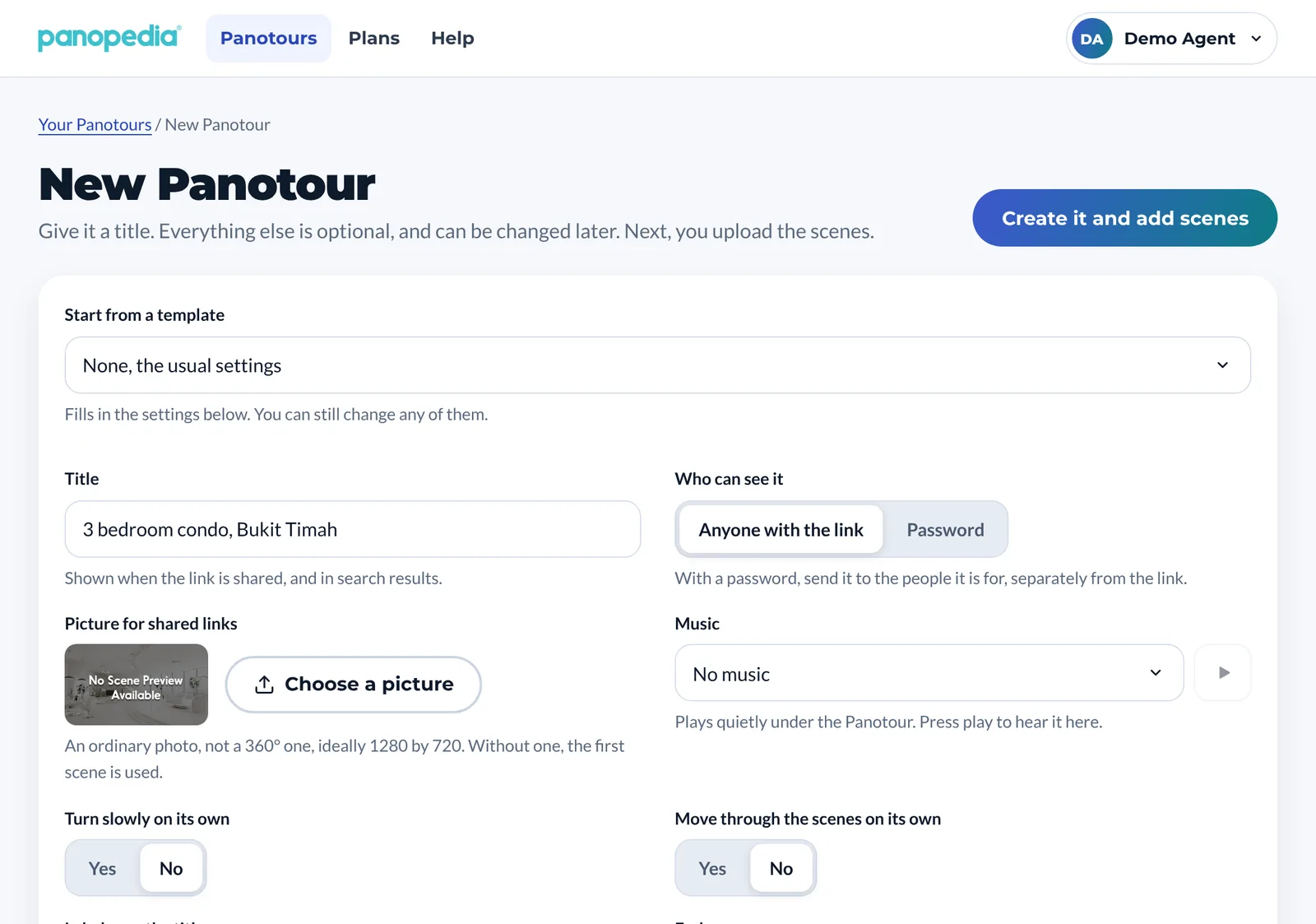
- Start a new Panotour. From your account, choose New Panotour.
- Give it a title. The title is what people see when you share the link, and what search engines show. A street and a suburb works well for a property. Everything else on this page is optional and can be changed later.
- Upload your scenes. Drop all the photos in at once, then name each one and drag them into order. The first scene is where people start. More on scenes.
- Connect the scenes. Open a scene, turn it until the crosshair is on a doorway, press Add a hotspot and add an arrow to the scene it leads to. Do this for every doorway. More on hotspots.
Your Panotour is live as soon as it has a scene. Copy its link from the Panotour's page and send it to anyone.
What to do next
- Set the starting view of each scene, so every scene opens facing its best side.
- Fix your photos if they came out dark.
- Share it or embed it on your website.
