A free account makes 3 Panotours of up to 3 scenes each, for as long as you like. There is no card to give and nothing to cancel.
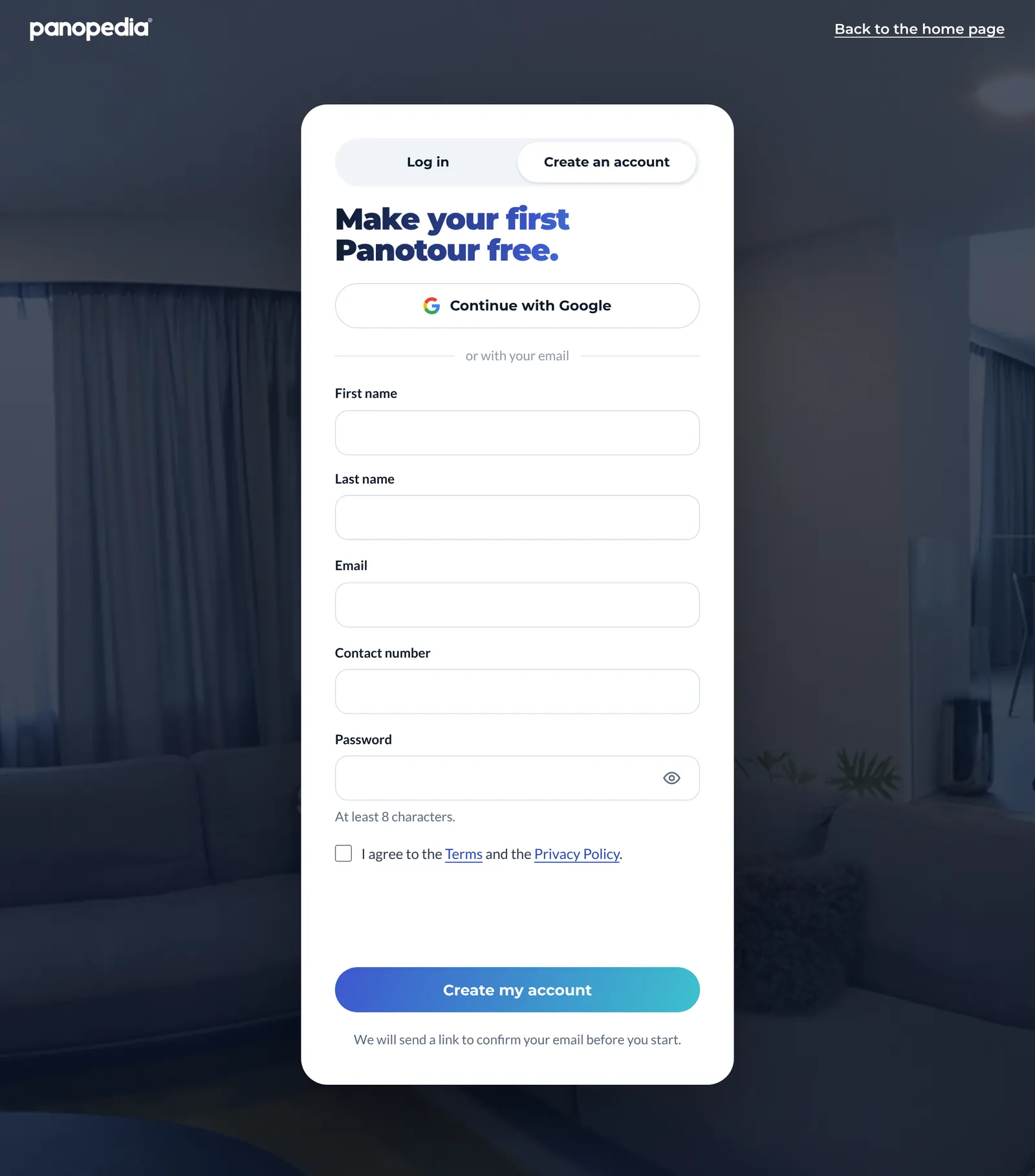
- Open Create an account. Choose Start free at the top of any page.
- Fill in your details. Your name, your email, a contact number and a password of at least 8 characters.
- Agree to the Terms and the Privacy Policy, and press Create my account.
- Confirm your email. We send a link to the address you gave. Open it, and your account is ready.
With Google or Apple
Press Continue with Google (or Apple, where it shows) instead of filling in the form. If your Panopedia account already uses the same email address, you are asked to link the two, and from then on the button signs you straight in. If it is new, you are asked for a contact number and to agree to the Terms, and the account is made.
If the email does not arrive
Check your spam folder first. If it is not there, sign in and press Send it again on the page that asks you to confirm.
Tip. Use an address you will keep. Your email is how you sign in and how we reach you about your plan, and it cannot be changed from the account itself.
