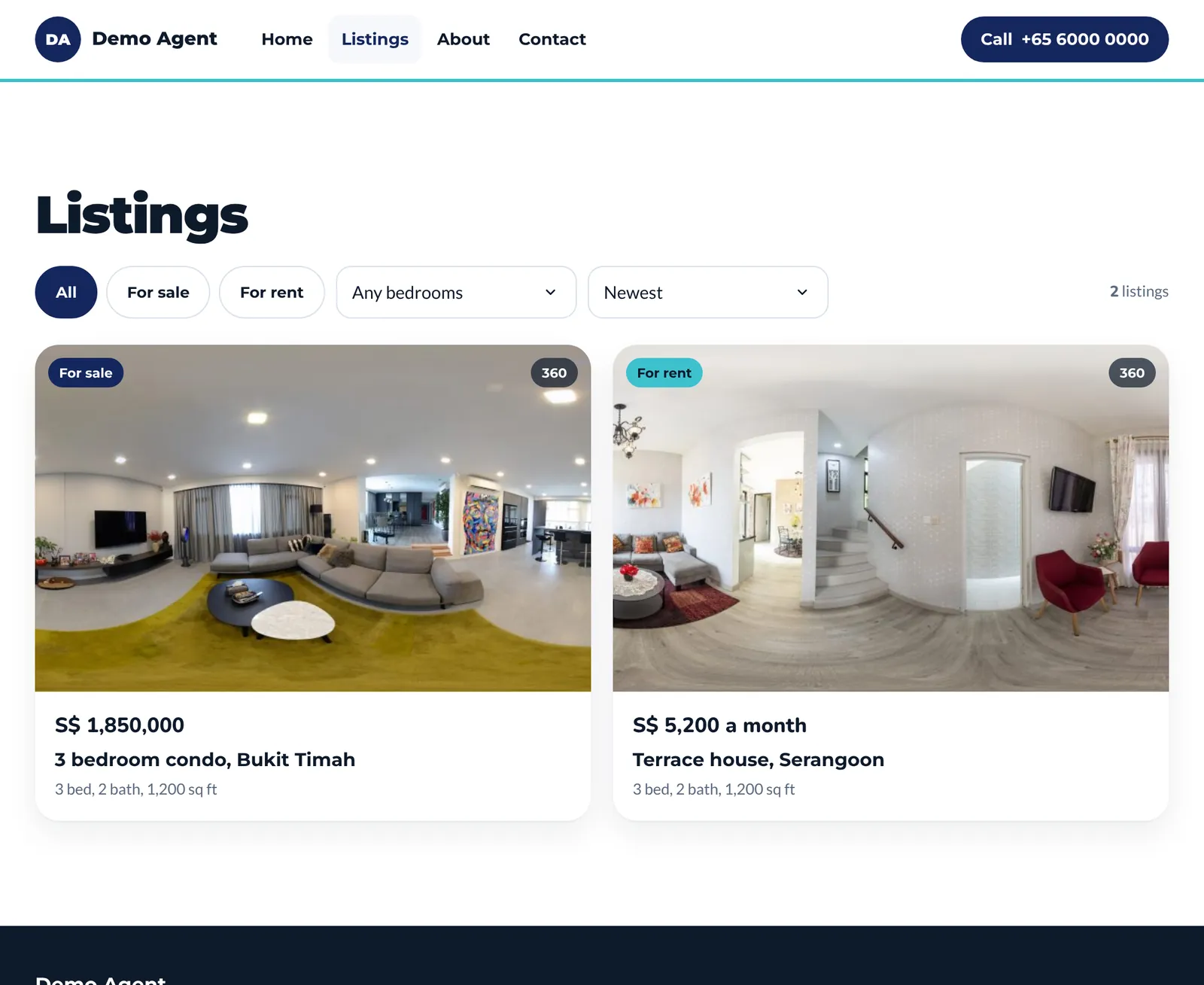
Your listings page fills itself. A Panotour appears on it once it has a listing page, opens for anyone with the link, and has no password. Each shows its price, size and bedrooms, and opens on a page of its own with the Panotour on it.
Visitors can narrow the list to For sale or For rent, ask for a number of bedrooms, and put it in order of price.
The Listings tab under Showcase shows which of your Panotours are on it, and why any are not.
To add or change a listing itself, open the Panotour and choose Listing page. To take one off, change it there; it leaves your Showcase with it.
