A listing adds the facts of a property to its Panotour: whether it is for sale or rent, the price, the size, the bedrooms and a description. It is free on every plan.
Open your Panotour and choose Listing page. The Panotour needs at least one scene first.
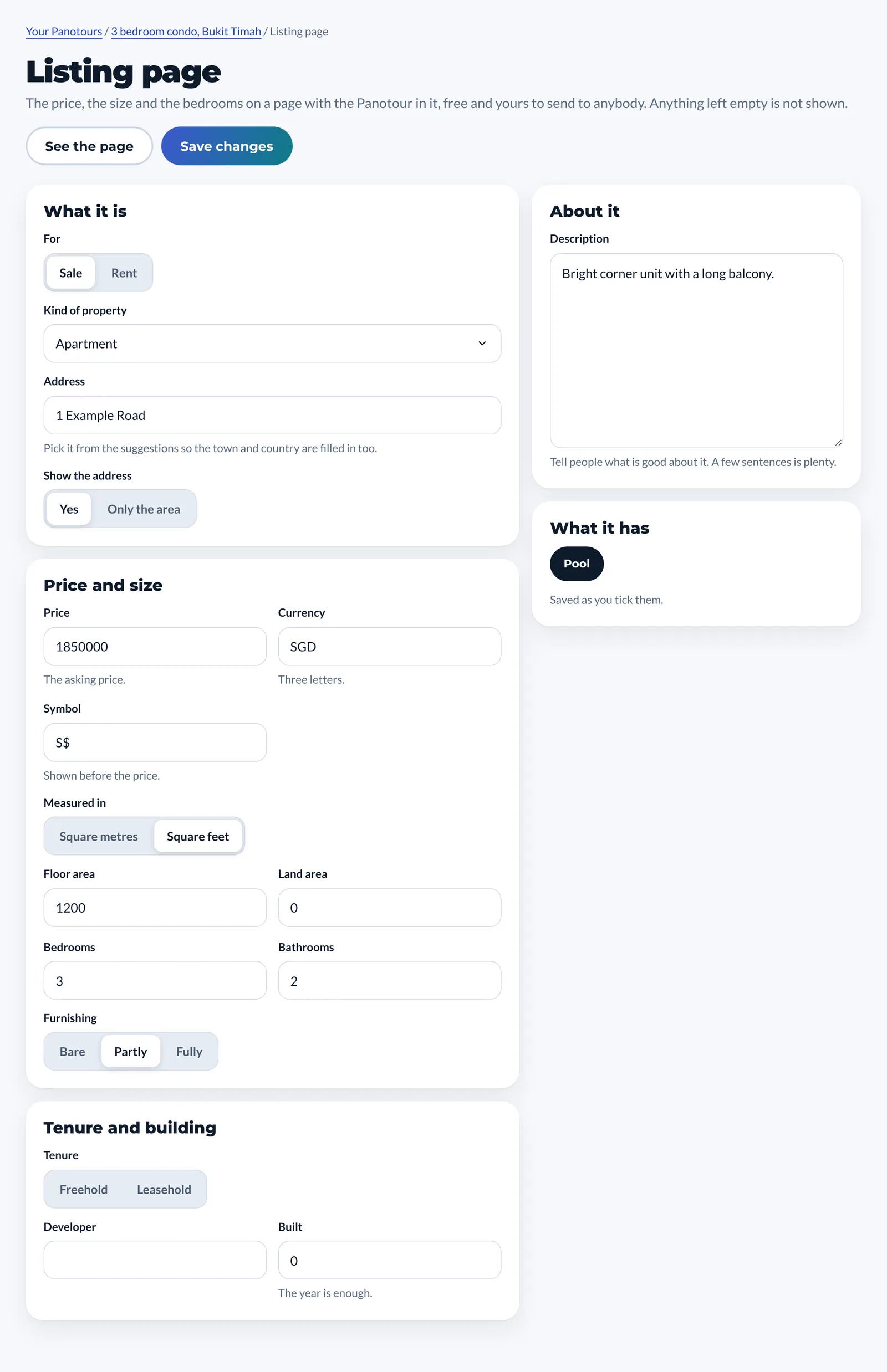
- What it is: for sale or for rent, and the kind of property.
- Where it is. Pick the address from the suggestions, so the town and country are filled in too, and choose whether to show it or only the area.
- Price and size: the price with its currency, then floor area, land area if it has one, bedrooms, bathrooms and furnishing.
- Tenure and building, if they apply.
- About it: a few sentences on what is good about it, and what it has.
- Press Add the listing page.
Fill in what you know. Anything left empty is simply not shown, and everything can be changed later from the same page.
Listed Panotours are marked For sale or For rent in the Examples directory, and appear on your Showcase if you have one.
