Adding a page
Open Showcase, then Pages, and press New page.
- Write the title, a line under it, and what the page says.
- Choose a picture for the top, if you want one.
- Choose whether it has the contact form at the foot.
- Fill in the description under For search engines: one or two sentences, shown under the link in search results and when the page is shared.
- Set Who can see it to Published. A draft is seen by nobody until you publish it.
A new page is not in your menu until you add it there.
The menu
Open Showcase, then Menu. These are the links across the top of your Showcase.
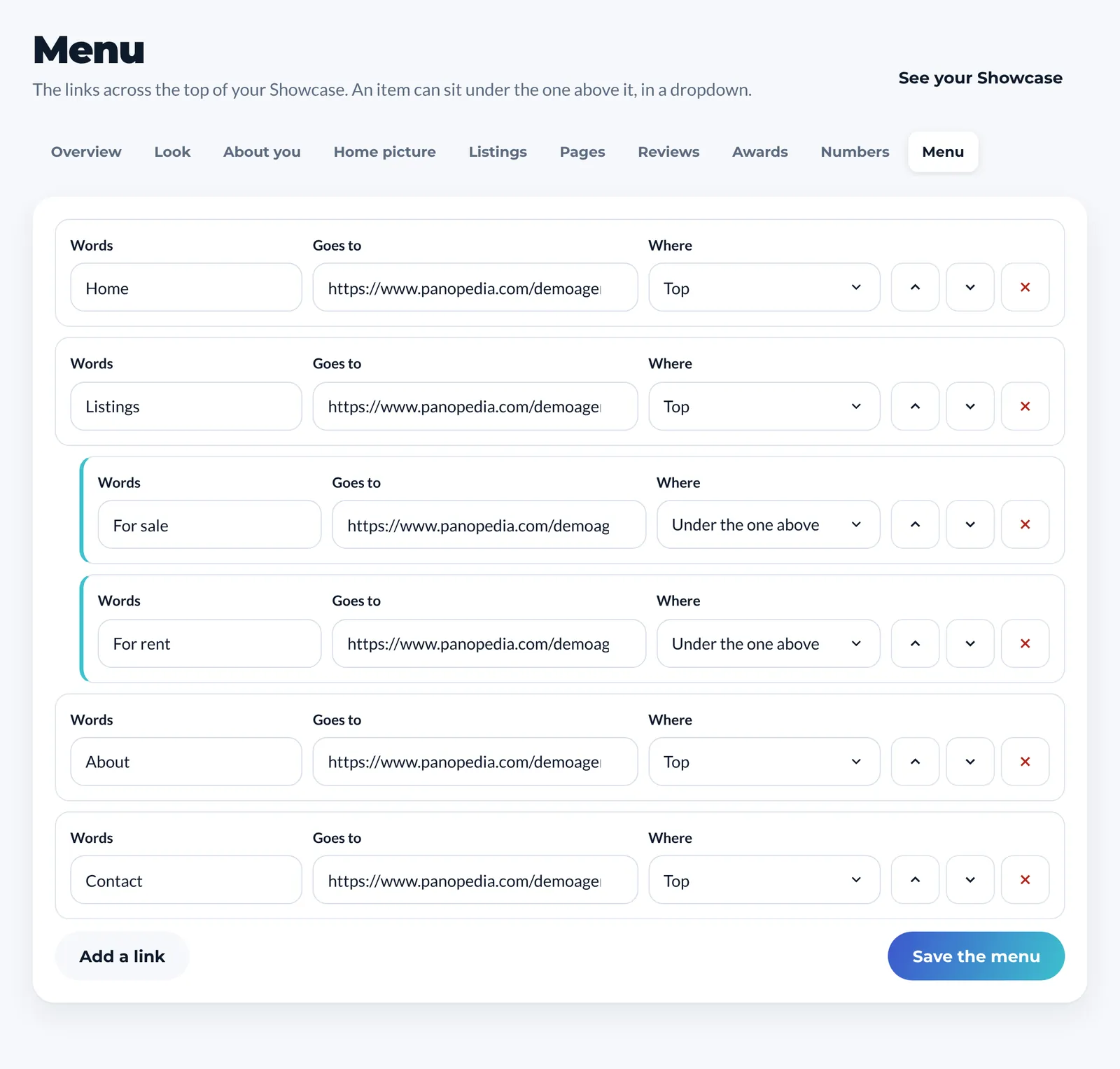
- Add a link: press Add a link, give it its Words, and choose where it Goes to. Your pages are suggested as you type: Home, Listings, About, Contact and any you made. A web address works too.
- Put it in a dropdown: set Where to Under the one above.
- Reorder: move an item with its up and down arrows.
- Remove: press its cross.
- Press Save the menu when it looks right.
