How your Showcase looks is under Showcase, then Look. The layout is the same for everyone, so it works on every phone; what is yours is the logo and two colours.
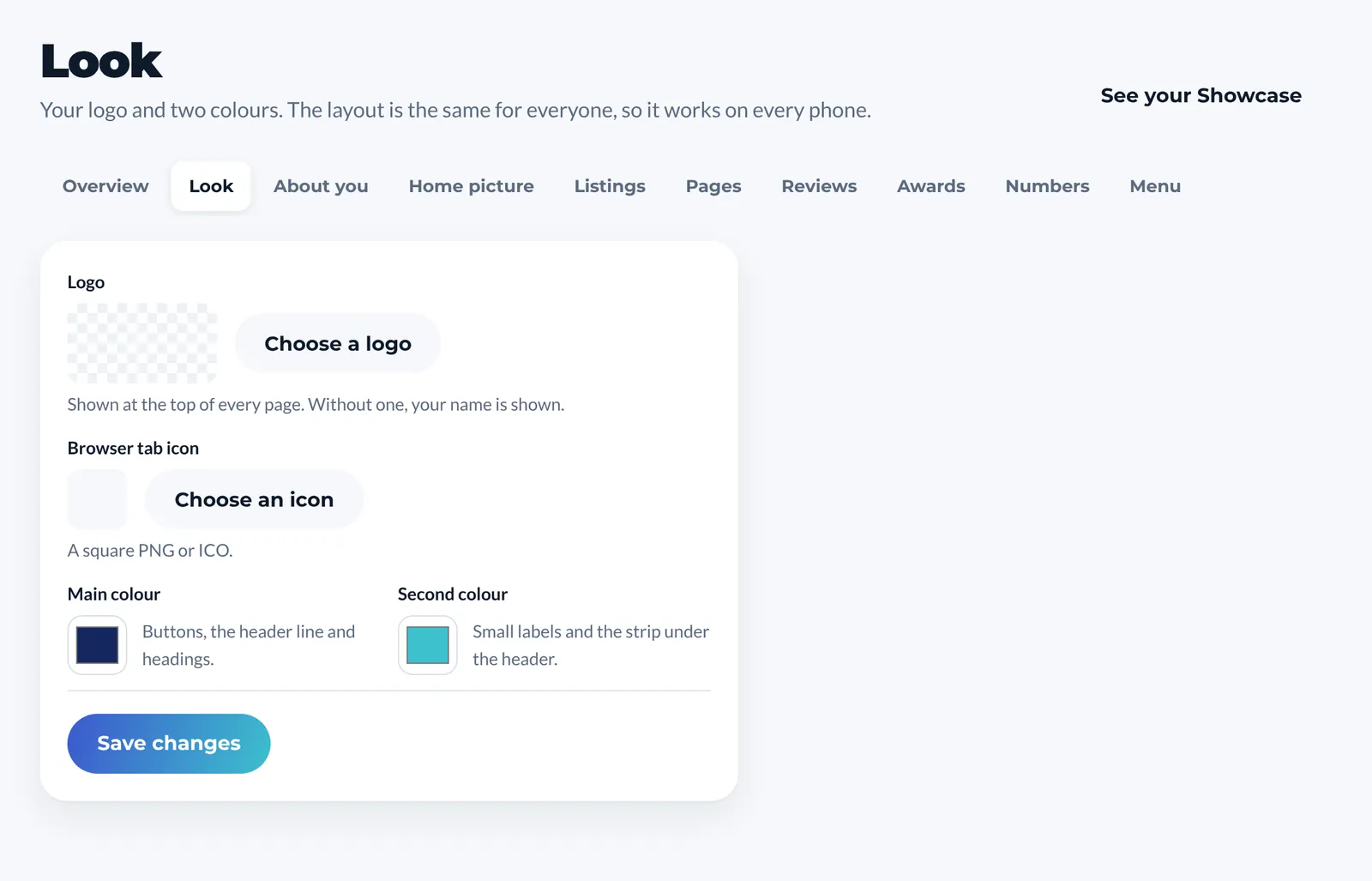
- Logo. Shown at the top of every page; without one, your name is shown. A logo on a transparent background looks best.
- Browser tab icon. A small square PNG or ICO.
- Main colour. Buttons, the header line and headings.
- Second colour. Small labels and the strip under the header.
- Press Save changes.
Pictures can be JPG, JPEG, PNG, GIF, BMP or TIFF files of up to 19 MB.
The contact form
Your home page and your Contact page end with a contact form, and you can add it to your About page and to any page of your own. Messages from it go to your account's email address, and are checked for spam before they reach you.
