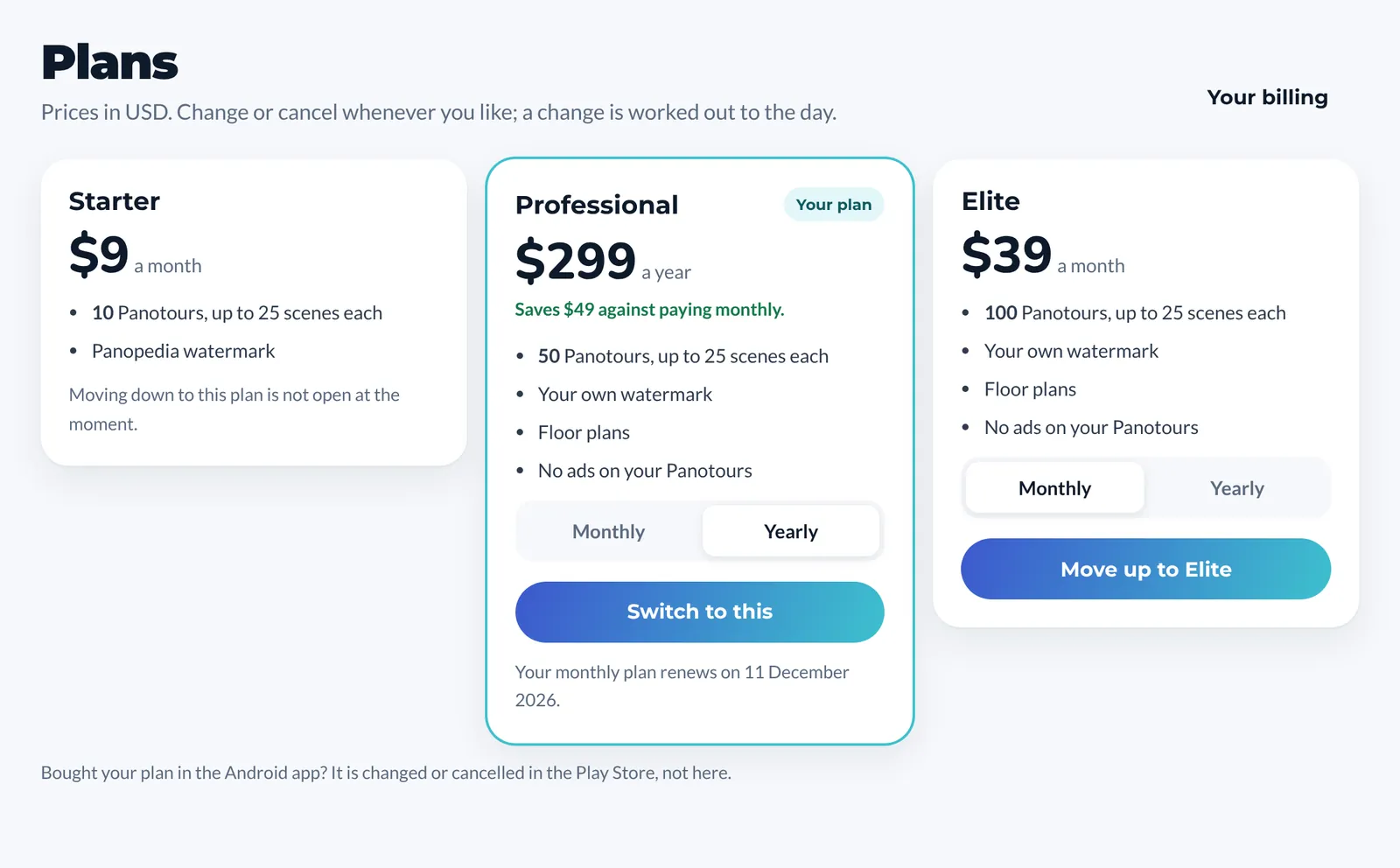
A free account makes 3 Panotours of 3 scenes each. A paid plan raises both, and adds the extras each plan lists. Prices are in US dollars.
- Open Plans at the top of your account. The public Plans page shows the same plans side by side.
- Choose how often to pay, monthly or yearly, where a plan offers both. Yearly costs less over the year.
- Press the plan's Choose button. You go to a checkout page run by Stripe, our payment provider.
- Pay by card. Enter your card on Stripe's page.
- You come back to Panopedia with the plan already on your account.
Your card
Your card is entered on Stripe's page, not ours, and Stripe keeps it. Panopedia never sees or stores the full number: only the last four digits and the expiry date, so you can tell your cards apart.
A discount code
If you have one, enter it at checkout before you pay. See Coupons and codes.
